With location-based advertising, you show ads to people based on where they are right now, or where they’ve been recently. It uses signals like GPS, Wi-Fi, and IP addresses to target a city, a ZIP code, or a radius around a place. And you measure it with business actions like calls, form submissions, bookings, and verified visits.
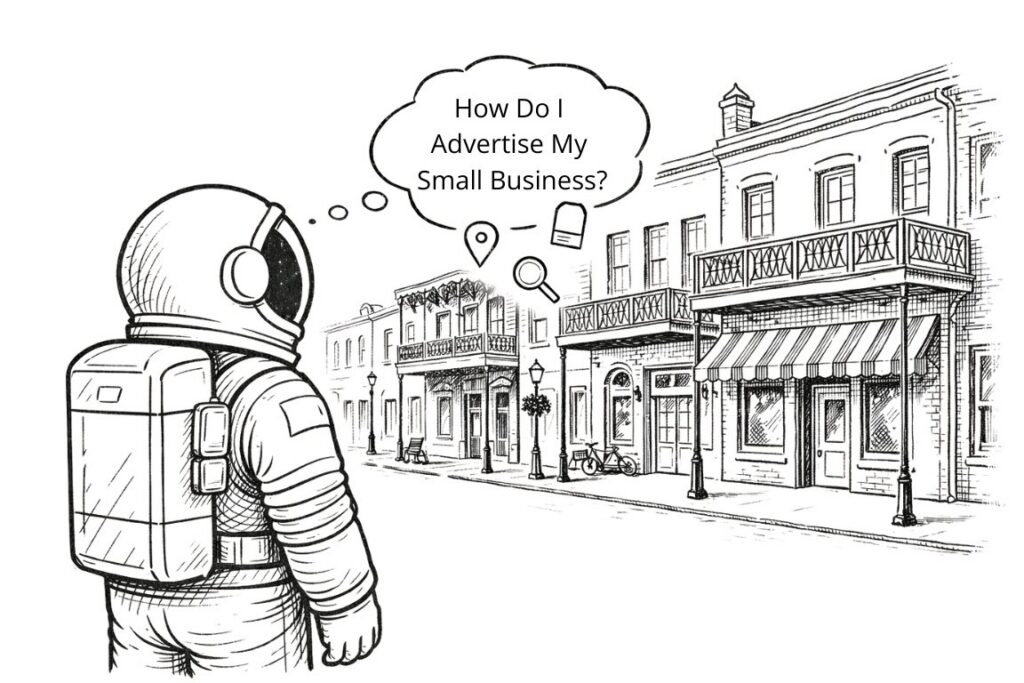
Location-based advertising works when your message matches the moment. If someone is already near your business, or near the problem you solve, your ad has a better chance of landing. The problem is that many campaigns stop at targeting. They pick a radius, spend the money, and hope the clicks turn into real customers. At iProv, we’ve seen client’s results improve when they pair location targeting with a landing page that matches the area, the offer, and the next step, then track outcomes that tie to revenue.
Key Takeaways
- Location-based advertising targets people by proximity, city, ZIP code, or visit history.
- Geo-targeting covers broad areas like a city or region, geofencing targets a tight radius around a place.
- Push campaigns trigger messages based on movement, pull campaigns appear when someone searches nearby.
- Beacons support indoor targeting within a few meters when devices allow it.
- Results get clearer when you track business actions, not just clicks.
- Landing pages need location match, clear proof, and one next step.
What Does Location-Based Advertising Mean in Digital Marketing?
Location-based ads target people by their physical location. Your ad platform decides who sees the message based on a device signal. Sometimes it is precise, like a person standing near a storefront. Sometimes it is broad, like someone in a city or a group of ZIP codes. Either way, the point is the same: you reduce waste by focusing your budget on people who are close enough to take action.
You will hear other terms used for the same category, like proximity marketing, geo-targeting, or local targeting. The labels change more than the mechanics. You are still using location data to decide when and where your ads show.
How GPS, Wi-Fi, and IP Data Affect Targeting
- GPS can be very precise outdoors, often close enough to support tight radius targeting and also visit measurement.
- Wi-Fi helps fill gaps, especially indoors, where GPS can weaken.
- IP addresses usually map to a broader area, often city level or neighborhood level, and they are common for desktop targeting.
The data source matters because it sets limits on what you can claim and what you can measure. A broad city campaign can work fine with less precision. A “near this store right now” campaign needs tighter signals and good settings.
If your targeting is precise but your landing page is generic, you still lose the lead after the click.
Understanding Types of Location-Based Advertising
Location-based advertising is any ad strategy that uses a person’s geographic data (like their city, ZIP code, neighborhood, or real-time distance from a store) to decide who sees an ad and when they see it. You may like proximity marketing, geo-targeting, and local targeting used interchangeably. That’s because they all rely on the same core idea: matching ads to location.
| Targeting method | Typical radius or area | Best use | Common mistake | Metrics that matter most |
|---|---|---|---|---|
| Geotargeting | City, region, ZIP codes | Service area coverage | Sending to a generic page | Qualified leads by area |
| Geofencing | Tight radius around a place | Nearby intent, events | Weak offer after the click | Calls, bookings, visits |
| Geo-conquesting | Fence around a competitor | Category shoppers | Overly aggressive messaging | Cost per qualified lead |
| Retargeting by location | Past visitors to a place | Follow up and return visits | No clear next step | Repeat actions, close rate |
Most campaigns combine these approaches. Using broader geo-targeting to build awareness, tighter proximity or geo-fencing to drive immediate visits, and location-based reporting to measure which areas and messages produce the best leads or sales.
What Is Geo-Targeting & Geo-Fencing?
Geo-targeting targets a broader area, like a city, a region, or a set of ZIP codes. Geofencing draws a virtual boundary around a specific place, then targets people who enter that boundary.
- You use geo-targeting when you want coverage across an area you serve. This is common for service businesses that travel, clinics that pull from several cities, and multi-location brands that need different messages by area.
- For geo-fencing, the boundary can be small or wide. But the important thing is that it is tied to a specific place and time. You use it when you want proximity, such as reaching people near a storefront, near an event venue, or near a competitor location.
Both approaches can work in the same campaign, but they should not share the same landing page. If you send both to the same generic page, your data gets muddy and your conversion rate suffers.
Questions about how to implement location-based advertising? Reach out to our team today.
Beacon and Proximity Marketing
Beacons support indoor targeting. They can trigger messages when someone is very close to a specific area, like a department, a display, or a check-in point. This can work well in retail and venues where people move through defined spaces.
Beacons add operational overhead. You need hardware, setup, and a user base that has the right permissions and devices. Many businesses do better by mastering geofencing, geotargeting, and landing page matching before adding indoor hardware.
The Push and Pull Models
Some location-based advertising reaches people because they enter an area; that is the push model. It can show an ad or send a message when a device crosses into a defined zone. This depends heavily on permissions and frequency. If you hit people too often, they opt out and your campaign teaches them to ignore you.
Other location-based advertising shows up when the person is already searching nearby. That is the pull model. It appears in search results and map results when someone looks for a solution in the area. Pull tends to perform well because intent is already present. You are meeting a request, not interrupting a day.
Most businesses do best when they treat push as a narrow tool and pull as a steady baseline. Push fits time-sensitive offers and events. Pull fits ongoing demand. And when clients we’ve worked with utilize geo-targeting and geofencing too, they see even more results.
How Do You Track and Measure Location-Based Advertising?
Clicks can tell you if your creative gets attention. They do not prove business impact. Your tracking should follow the path from ad to action.
Start with actions you can count without guessing. Track calls, form submissions, bookings, and qualified leads. If your platform supports verified visits, track them too, but treat them as one input, not the only proof. The clearest view comes from combining actions and outcomes: how many leads came in, how many were qualified, how many booked, and how many closed.
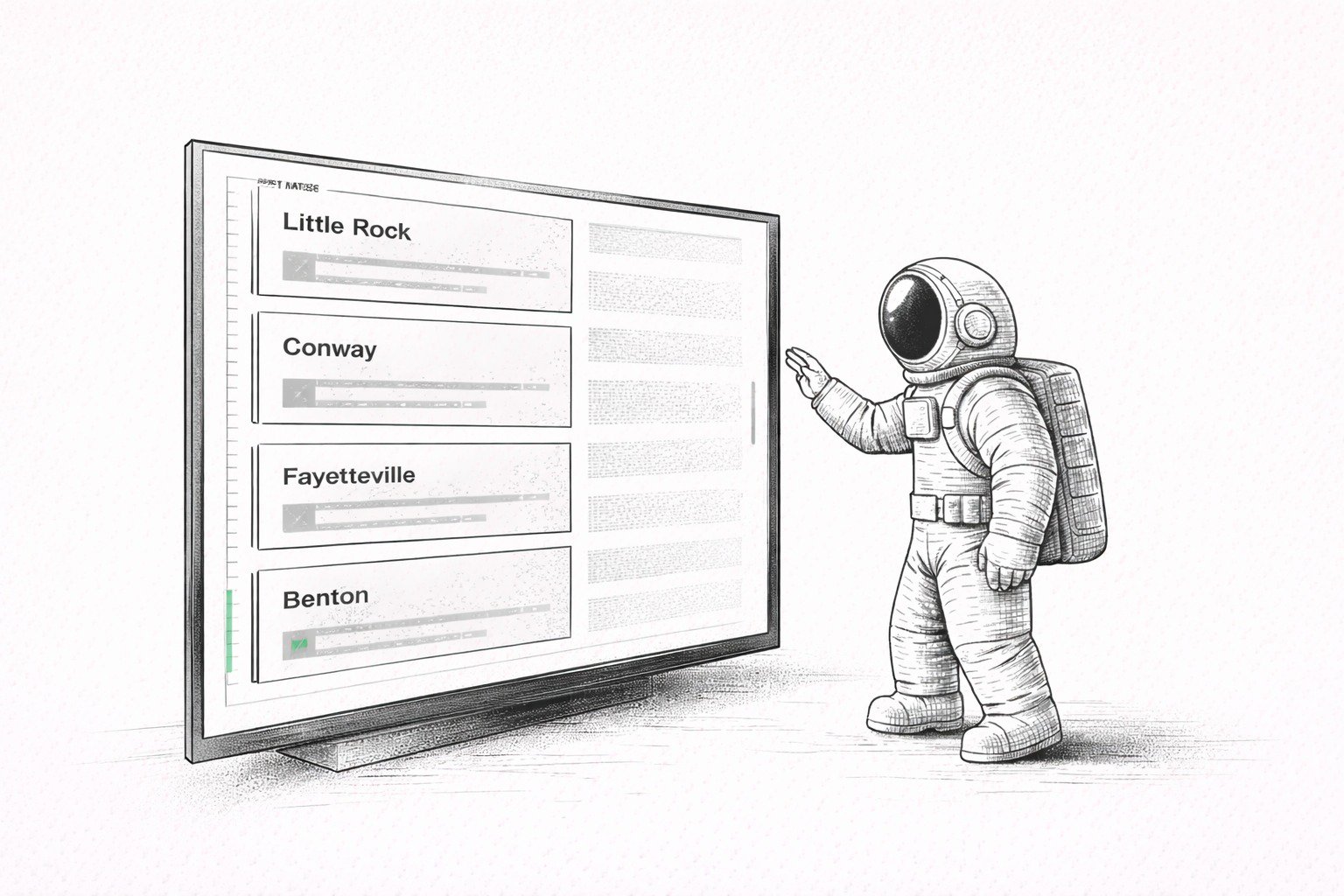
If you have multiple cities or neighborhoods, track results by area. One zone can quietly carry your entire campaign. Another can eat budget and return nothing. If you do not break results out by location, you cannot make clean decisions.

The Part that Usually Breaks Campaigns
Your location-based advertising can target the right people and still fail because the page does not match. The ad says “near you,” but the landing page reads like it was written for the whole internet. The visitor does not see their area, does not see proof, and does not see a clear next step. They leave. You pay for the click and learn nothing useful.
A location-specific landing page fixes that because it answers the basic questions fast. Do you serve my area. What do you do. What should I do next. Why should I trust you. When those answers show up in the first screen, conversion rates usually improve, and your tracking becomes easier because each area has its own performance story.
FAQs About Location-Based Advertising
| Question | Answer |
|---|---|
| What is Location-based Advertising? | Location-based advertising targets people by location using signals like GPS, Wi-Fi, or IP addresses. It can target a city, a ZIP code, or a radius around a place. |
| What is the Difference Between Geotargeting and Geofencing? | Geotargeting targets broader areas like a city or region. Geofencing targets a boundary around a specific place and focuses on proximity and timing. |
| What Metrics Should You Track for Location-based Advertising? | Track calls, form submissions, bookings, qualified leads, and cost per qualified lead. Add verified visits when available, and review performance by location. |
| Do You Need Location-specific Landing Pages for Location-based Ads? | You get better results when your landing page matches the location and the offer. Location-specific pages improve clarity and help you measure which areas drive real actions. |
| How Do You Keep Location-based Ads from Wasting Budget? | Use zones that match your service area, match ads to relevant landing pages, track business actions, and move budget toward the locations that produce qualified outcomes. |
How To Get The Most Out Of Your Location-Based Ads?
You get better results from your ads when your landing pages match the same location signals as your ads. That gives you clearer messaging, cleaner tracking by area, and fewer wasted clicks. If you want a plan for location-specific landing pages and location-based ad strategy, contact the team at iProv today.
Central Arkansas Notes that Affect Performance
In Central Arkansas, people often compare options quickly and choose the business that feels clear and local. That does not require gimmicks. It requires direct service area language, proof placed near the action button, and a contact path that does not feel like a chore.
If you serve Little Rock, North Little Rock, Conway, Benton, Bryant, Cabot, Rogers, Maumelle, or Sherwood, say it plainly where people look first. Then match your ads and landing pages to the same language so the experience feels consistent from the first impression to the follow-up.
Turn Location Targeting Into Location-Based Growth
Most businesses stop at geofencing. They target the right radius, send traffic to a generic page, and wonder why the clicks don't convert. The gap isn't in your ads; it's in what happens after someone clicks.
iProv builds location-based advertising campaigns that connect targeting to outcomes. We align your ads, your landing pages, and your tracking so every ZIP code, every city, and every service area tells its own performance story. No guesswork. No generic pages. Just focused execution that turns proximity into pipeline.
What We Do for Location-Based Advertising Campaigns
- VSTA™ Alignment for Multi-Location Strategy: We clarify which locations matter most, what each area needs to hear, and how to measure real business actions, not just clicks.
- Location-Specific Landing Pages That Convert: Your ad says "near you." Your page should too. We build landing pages that match the location, the offer, and the next step, so your message stays consistent from impression to action.
- Content That Scales Across Service Areas: One blog becomes location pages. One video becomes neighborhood proof. We repurpose your expertise into high-leverage assets that work across every area you serve.
- Tracking That Ties to Revenue: We track calls, form submissions, bookings, and qualified leads by location, so you know which areas drive growth and which ones waste budget.
Ready to Make Your Ads Match Your Areas?
If you're running location-based advertising in Central Arkansas, Little Rock, North Little Rock, Conway, Benton, Bryant, Cabot, Rogers, Maumelle, or Sherwood, and you're tired of paying for clicks that don't turn into customers, let's fix that.
Book a Free Strategy Session and we'll review your service areas, your current campaigns, and the landing pages that should support each location. No fluff. No pressure. Just a clear conversation about what's working, what's not, and how to build a system that turns proximity into pipeline.
Because when your ads and landing pages finally match, your results start to multiply.