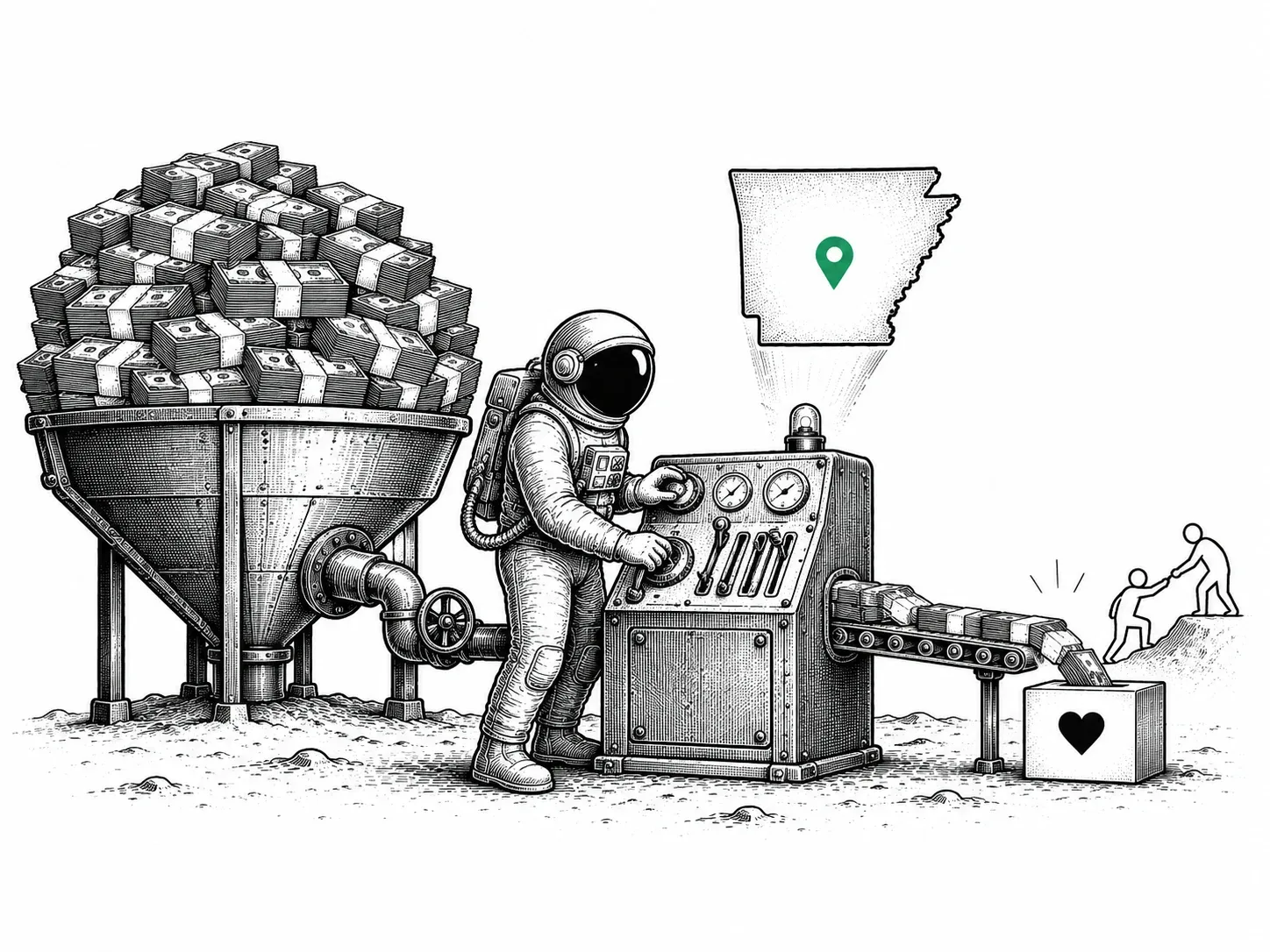
Google ad grant management is a $10,000/month opportunity. Most nonprofits are spending $300 of it.
That gap isn’t about commitment. It’s not about mission clarity. It’s structural, and we see it constantly across the Arkansas nonprofits we work with at iProv.
Jump to Section
- Why Your $10K Grant Is Mostly Going Unused: Most accounts spend $300 or less of their available $10,000 each month.
- Structuring Grant Campaigns for Results: How campaign architecture separates grants that work from grants that stall.
- The Compliance Rules That Keep It Alive: One missed requirement can suspend your account without warning.
- Tracking What Actually Matters: Clicks don’t tell the story; conversions do.
- Manage It Yourself or Hand It Off: The real cost of DIY grant management is usually more than you’d expect.
- Your Grant Is Already Approved. Now Make It Work.: A starting point for Arkansas nonprofits ready to close the gap.
Why Your $10K Grant Is Mostly Going Unused
Three hundred dollars out of ten thousand. That’s not an outlier case we occasionally encounter. That’s closer to average.
Underperforming accounts tend to share the same handful of problems.
Keyword targeting is usually the first thing that breaks down. Generic terms pull in people who have nothing to do with your work, your cause, or your community. Google’s algorithm notices when visitors bounce immediately. Low engagement scores hurt your account’s ability to serve ads at all, so you end up spending less and reaching fewer people, not more.
Campaign structure is the other piece. Ad Grant accounts have to meet specific technical requirements that regular Google Ads accounts don’t face. Miss them, and your ads simply stop running. Once you’ve secured the grant, that structural work is where most organizations stall out and don’t realize it.
Then there’s the 5% click-through rate requirement. Google will deactivate an account that falls below it, sometimes without much warning. A campaign nobody’s actively watching will drift there naturally: keywords go stale, bids fall out of range, engagement drops.
None of this means the organization failed. It means the grant needs more ongoing attention than most nonprofits have bandwidth to give. That’s a resource problem, and it’s a solvable one.
These common reasons Ad Grant accounts underperform all trace back to the same gap: setup without maintenance.
The fix starts with how you build your campaigns.
Structuring Grant Campaigns for Results
Campaign structure isn’t an afterthought. If the foundation is off, no amount of compelling copy will save it.
That starts with keywords. Google prohibits single-word terms in grant accounts, and honestly, the rule makes sense. Bidding on “nonprofit” or “donate” means competing for clicks from job seekers, curious students, and donors looking for causes that have nothing to do with yours. Those clicks don’t convert. They burn through your 10,000 monthly credits without producing results.
Specificity is what actually works. “Food bank volunteer Little Rock” puts your ad in front of someone who already knows what they want and where they want to do it. “Youth tutoring programs Arkansas” reaches a parent who’s actively searching for exactly what you offer. Long-tail phrases like these pull in people who are much closer to taking action, which shows up in your click-through rate and, more importantly, in your mission outcomes.
Structure matters too. Each campaign needs at least two ad groups, and each group should stay tightly themed. “Volunteer opportunities” in one. “Emergency food assistance” in another. When unrelated keywords get lumped together, ad relevance drops and quality scores follow.
On quality scores: Google requires a minimum of 3 to keep keywords active. A 1 or 2 isn’t just underperforming, it’s dragging the whole account down. Regular audits aren’t a one-time setup task. They’re ongoing.
Campaign architecture matters. So does keeping the account from getting deactivated, which requires staying inside Google’s grant-specific rules.
The Compliance Rules That Keep It Alive
The rule that catches most nonprofits off guard is the 5% click-through rate requirement. Google requires that your account maintain a 5% CTR at the account level every month. Miss it two months in a row, and Google temporarily deactivates the account. That’s not a permanent loss, but it does mean downtime and a reapplication process. The full details are in the Google Ad Grants Policy Compliance Guide.
Beyond CTR, three other rules shape how healthy accounts are run:
- Keyword quality floor. Keywords with a quality score of 1 or 2 get paused or removed. They drag down your CTR and push the account toward that deactivation line faster than almost anything else.
- Campaign structure minimums. Every campaign needs at least two ad groups, and every ad group needs two or more sitelink assets. Sitelinks aren’t just a checkbox. They’re what point people to the right page, whether that’s your volunteer form or your donation page, instead of leaving them on your homepage to figure it out.
- Annual program survey. Google sends a survey to the email tied to your account. It’s short. Responding is required. Missing it is one of those avoidable problems that shows up at the worst time.
Grant accounts that stay within these boundaries spend their budgets more effectively. The rules exist because Google wants ad spend going to searchers who are actually looking for what the organization does, not burned on traffic that bounces.
Keeping the account compliant gets you in the game. What you do with that access — whether it actually drives mission outcomes — is a separate question.
Tracking What Actually Matters
Staying in compliance keeps your account active. Conversion tracking proves it’s worth keeping active.
If your account runs Smart Bidding, Google requires conversion tracking outright. But even setting that aside, without it you’re spending $10,000 a year and guessing whether any of it worked. That’s not a sustainable position.
Meaningful conversions for nonprofits are specific: a donation form completion, a volunteer application submitted, a program registration, a contact form filled out, an event signup confirmed. Not a pageview. Not a session. Google explicitly prohibits tracking inflated or meaningless events, so counting every site visit as a “conversion” isn’t just unhelpful. It violates grant policy.
On the technical side, you’ll connect either Google Analytics goals or Google Ads conversion tracking to your account. When someone clicks your ad and fills out a form or completes a registration, that action gets logged back to the specific campaign and keyword that sent them there.
For iProv’s grant clients, that connection goes further. Pathfinder, iProv’s first-party attribution platform, connects each conversion back to the specific ad that drove it. When someone finds your organization through a Google search and donates, registers for a program, or signs up to volunteer, you know exactly which keyword and campaign made that happen.
That level of visibility changes what you can say to funders, board members, and donors. When you can show that your grant drove 47 volunteer applications or 12 major donor inquiries last quarter, the case for managing that grant well becomes obvious. Which brings up the next question: who should be managing it?
Manage It Yourself or Hand It Off
Once you’re tracking outcomes, you need someone accountable for improving them. That’s where a lot of nonprofits get stuck.
Managing the grant in-house makes sense in specific circumstances. You need 5 to 10 hours of consistent staff time per month, not occasionally, but every month. Someone on your team should have real Google Ads or paid search experience, not just general digital marketing familiarity. That person needs to be checking click-through rates weekly and adjusting underperforming keywords before they drag down quality scores. And your account should have a clean history, because suspension recovery is a different problem entirely.
If those conditions are all true, in-house management is a reasonable choice.
If they’re not, the honest answer is that it probably isn’t. Staff bandwidth is the most common gap. Ad Grant accounts need active attention, and a well-intentioned staff member who checks in monthly will spend most of that time reacting to problems rather than improving performance. If your account has already been suspended, recovery requires technical knowledge that’s hard to develop under pressure. And if 90 days of self-management hasn’t improved your utilization rate, that’s a signal worth taking seriously.
For nonprofits thinking about this as part of a broader digital strategy, The Arkansas Nonprofit’s Guide to Digital Marketing covers how paid search fits alongside SEO, email, and social. iProv manages Ad Grants for Arkansas nonprofits and can step in at whatever level makes sense for your organization.
Either way, the grant should be doing real work. If it’s not, that’s worth looking at honestly.
Your Grant Is Already Approved. Now Make It Work.
Most Arkansas nonprofits who qualify for the Google Ad Grant are approved and never come close to spending the full $10,000 each month. Not because they don’t need the traffic, but because keeping the account compliant and performing takes ongoing attention that most small teams don’t have.
The $10K/$300 gap is real, and it’s usually fixable.
iProv has worked with nonprofits across Arkansas on this specific problem. It’s not a one-time setup and walk away situation. The work is ongoing because search is ongoing.
If you’re wondering whether your grant is doing what it could be, start a conversation with iProv. No fees to find out. Just a straight look at where things stand.